GoCompare
Compare an object across two environments - or two objects in the same one - and see exactly which fields differ. The question it answers is "is test really the same as production?"
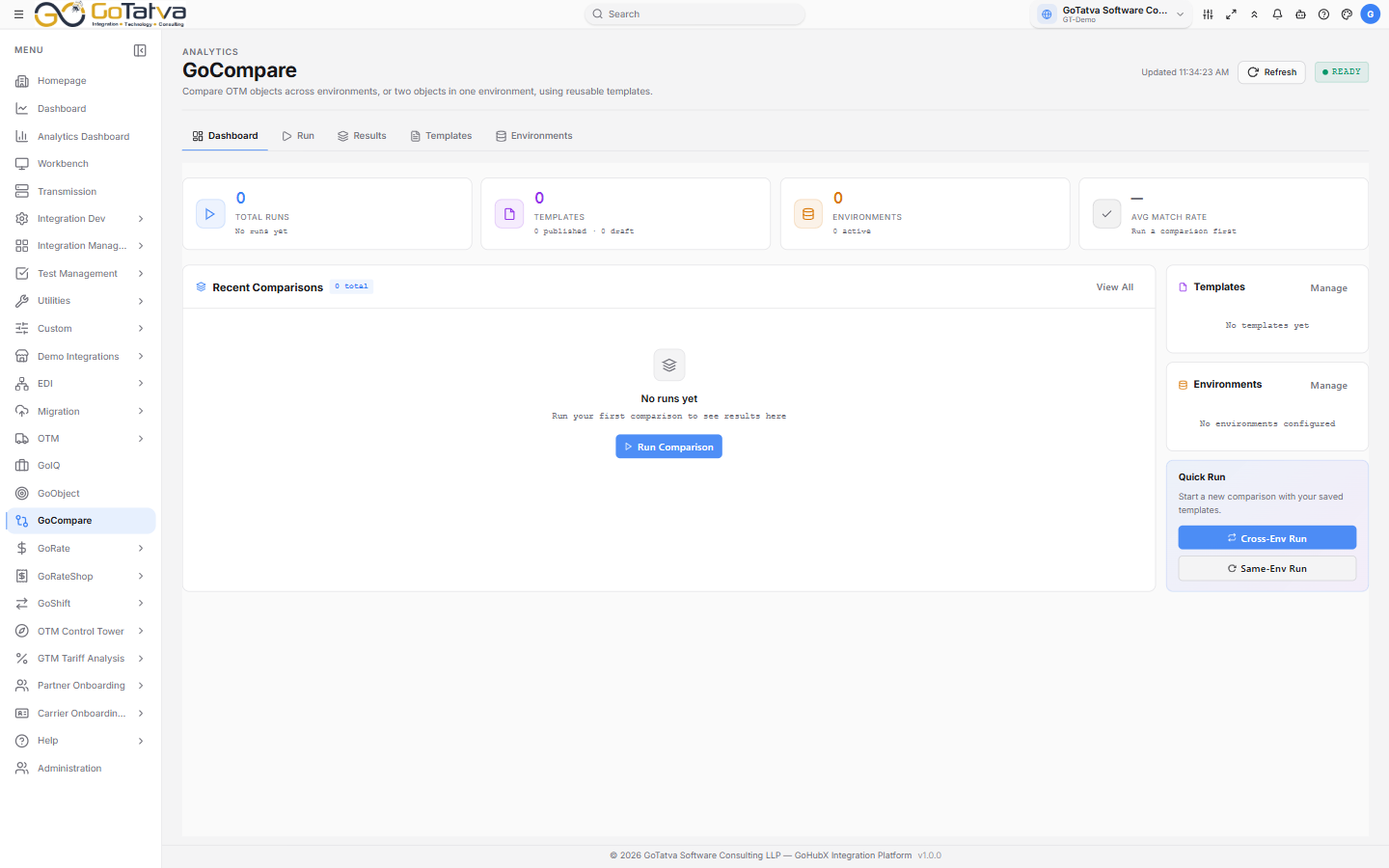
Runs, templates and environments.
Setting up
Two things before a comparison can run:
- An environment for each system you compare. Environments → Add Environment takes a Name, Type (PROD, TEST or DEV), Base URL and authentication - basic or OAuth 2.0. Test Connection checks it before saving, and the list shows Connected, the error, or Not tested.
- A published template saying which fields to compare. Draft templates cannot be run.
Templates
Templates → New Template opens the builder.
Settings picks how data is fetched - REST API or DB Export (XML) - and names the template and its object type: Order, Shipment, Item, Location, Rate or Custom.
Layout defines the sections, each either a set of Fields or a Loop Table for repeating data.
Field Rules decide how each field is compared:
| Rule | Treats values as equal when |
|---|---|
| EXACT | They are identical |
| CASE_INSENSITIVE | They differ only in case |
| NUMERIC_TOLERANCE | They are within a tolerance |
| IGNORE_WHITESPACE | They differ only in spacing |
| IGNORE | Always - the field is skipped |
Save Draft keeps working on it; Publish makes it available on the Run page.
Running a comparison
Run takes:
- Comparison Mode - Cross-Environment for the same object in two environments, or Same Environment for two objects in one.
- Comparison Template - published ones only.
- The environments, and the object keys on each side.
Then Run Comparison.
Reading the results
Each field comes back as Match, Mismatch or Missing, with a Match Rate across the whole run - green at 90% and above, amber from 70%, red below.
The detail view searches fields and values, expands everything at once, and filters to differences only, which is usually the fastest way in. Export CSV takes the results, and Re-run this comparison repeats it.
A run is Success, Failed or Partial.
If the lists look empty
The template list, environment list and run history load separately, and a single one failing does not always announce itself. If a list you expect is empty, refresh the page before assuming nothing is there.
The environments and credentials on this screen belong to GoCompare. They are not the platform's Connections and are set up separately.