Carrier Onboarding Tool
A fuller carrier onboarding workspace: a defined workflow of tasks, a record per carrier with its documents, contacts and test cases, and an invitation flow that brings the carrier's own people in.
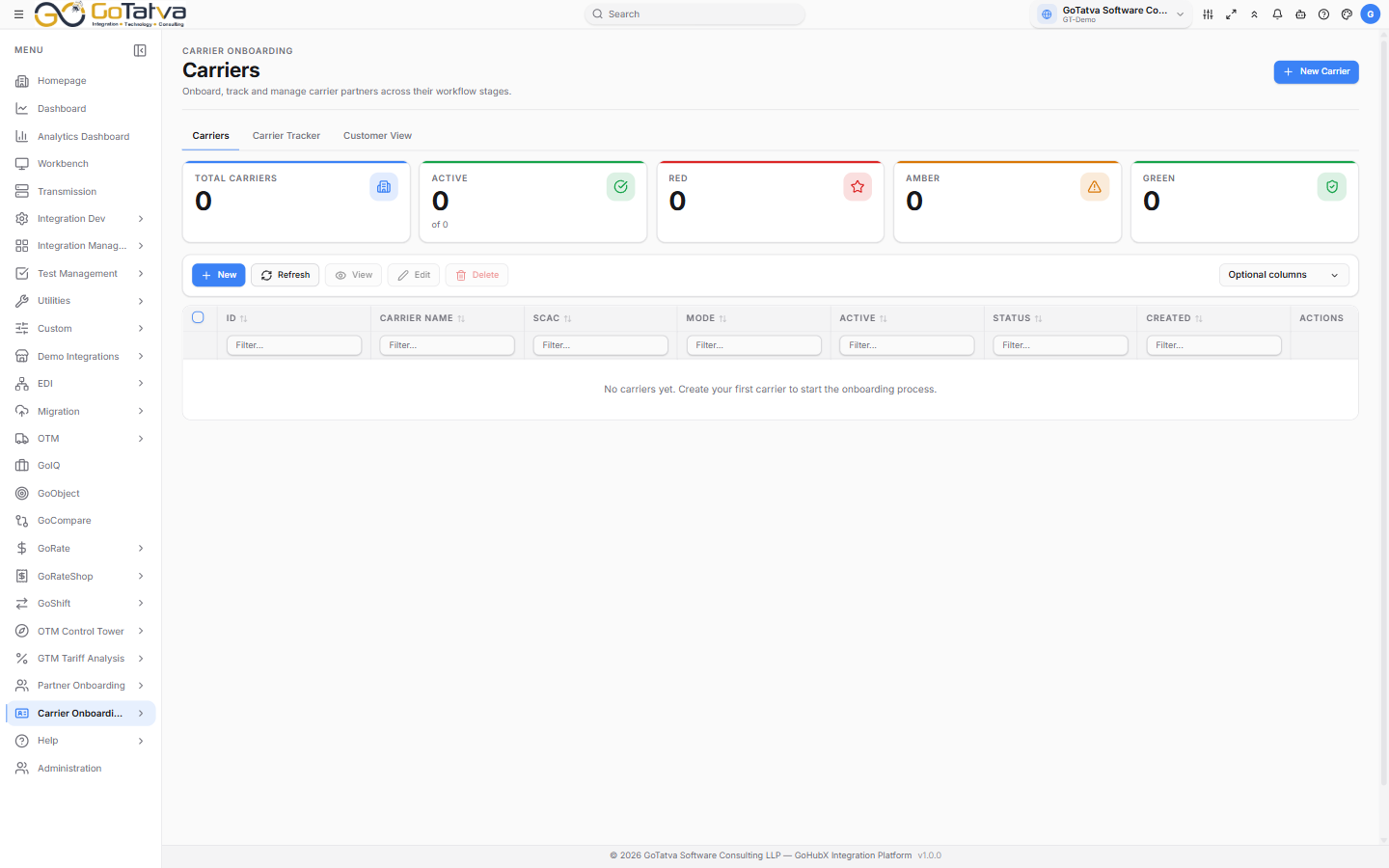
The carrier list, with the traffic light across the top.
You set it up and invite; the carrier fills it in; you approve.
The screens
| Screen | What it is for |
|---|---|
| Carriers | Every carrier, and the record behind each |
| Documents | Documents across all carriers in one list |
| Onboarding Template | The form carriers are onboarded against |
| Workflow Builder | The tasks a carrier is taken through |
Setting it up
Carrier Fields → Onboarding Template → Workflow Builder → Carriers
- Curate the Carrier Fields catalogue - the reusable questions.
- Design an Onboarding Template from them, and mark one the default.
- Define a Workflow - the tasks and subtasks with their dates and SLAs.
- Add Carriers, and invite them.
Who can do what
| Role | Can |
|---|---|
| Administrator | Everything, including deleting carriers |
| Project manager | Create and invite carriers, manage documents and forms |
| Everyone else | View, preview and download |
Buttons you cannot use say why - "Only admins can create carriers".
This is not the same as Partner Onboarding
Partner Onboarding tracks suppliers, carriers and customers against a form you design. The Carrier Onboarding Tool is carrier-specific and adds workflows, test cases and carrier invitations. They keep separate records - a carrier added in one does not appear in the other.