GoIQ
GoIQ quantifies what better transportation decisions would be worth. Upload a period of shipment data, check it, see the current-state baseline, then model the savings and compare that against an OTM optimisation run.
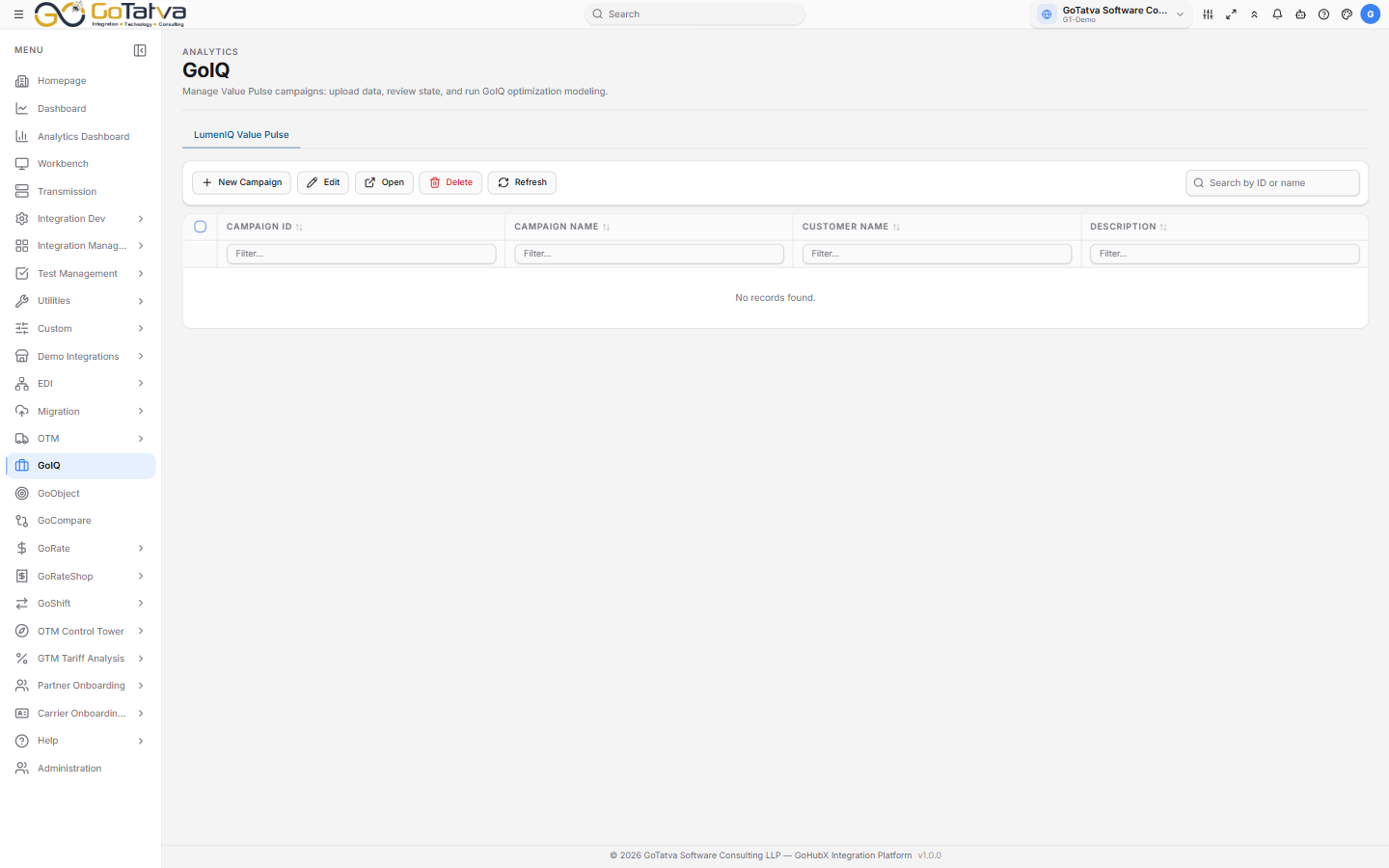
Work is organised into campaigns.
Campaigns
Everything belongs to a campaign - one assessment for one customer.
New Campaign asks for the Campaign Name, Customer Name, a Project Description, optional start and end dates, and a logo.
The list shows Campaign ID, Campaign Name, Customer Name and Description. Double-click to open one.
The four steps
A campaign moves through four steps in order, and each unlocks as the one before completes.
1. Upload Data
Enter the Estimated Annual Freight Spend, then upload shipment data as
.xlsx or .csv. Download Template gets the expected shape.
Validate Data checks it, and the Data Validation Checklist reports on shipment date, source, destination, weight, volume and cost.
| Result | Meaning |
|---|---|
| Validated | That check passed |
| Warning | Worth looking at, but not blocking |
| Failed | Must be fixed before you can continue |
| Not validated | Not checked yet |
Shipment date problems are warnings rather than failures, so they do not hold you up.
2. Review Current State
The baseline: Total Freight Spend, Total Shipments, Avg Cost Per Shipment and Shipments via LTL, with the mode mix and the opportunities found.
The Data Completeness Checklist scores origin, destination, dates, physical and commercial information - a low score here is the usual reason a later number looks wrong.
Then Proceed to LumenIQ Value Modeling.
3. Modeling
The optimisation model - the levers applied, the assumptions behind it, and the projected figures against the baseline. Each result carries a confidence indicator.
Modeling Settings lets you change the prompt and the model used, and save prompts for reuse.
The model selection is not guaranteed to persist between steps. Open Modeling Settings and confirm it before regenerating if the choice matters.
4. Value Pulse
The three-way comparison - Raw Data (Current State), the GoIQ Model and OTM Optimized - with an executive summary.
Sending to OTM takes a little time, and the screen says so while it runs.
Exporting
Each step has Export, as PDF or Excel, and step 1 can email the template.