Domain Map
Which domain on the source becomes which domain on the target. Without a pair here, data keeps its original domain when it lands.
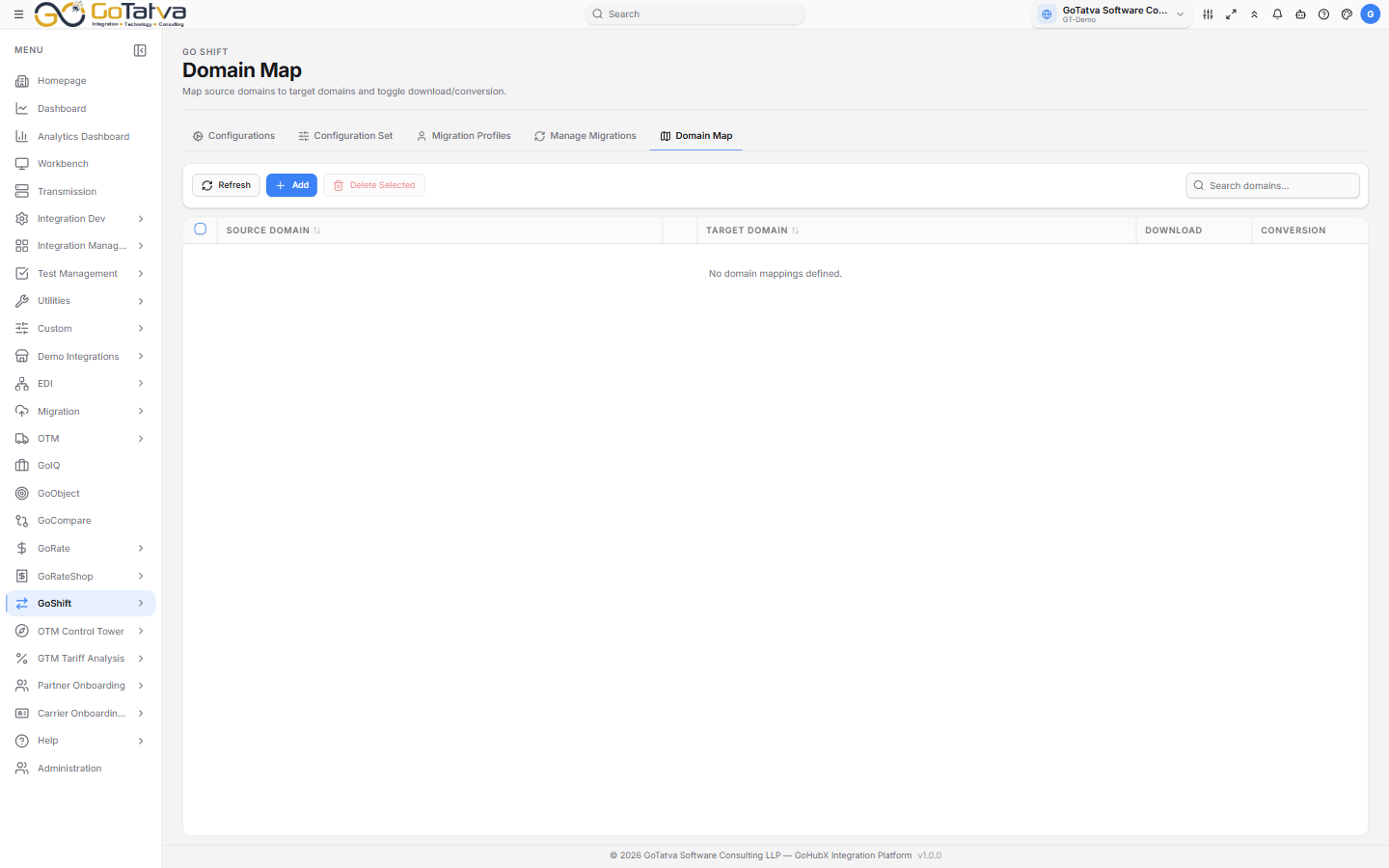
One row per domain pair.
The list
| Column | Notes |
|---|---|
| Source Domain | Where the data comes from. Click to edit |
| Target Domain | What it becomes. Click to edit |
| Download | Whether this pair is included when data is pulled |
| Conversion | Whether the domain is rewritten on the way |
Both switches show Active or Disabled.
Search domains... matches either side.
Adding a pair
Add asks for the Source Domain and the Target Domain, then Save. A source domain can only appear once - adding it again is refused.
Editing and removing
Click either domain cell to change it. Toggle Download or Conversion to switch a pair on or off without deleting it - usually better than removing a pair you will want again.
Delete Selected removes the ticked rows.
These pairs are applied when a profile's table has Enable Domain Conversion or Domain Field Replace turned on, in Migration Profiles. With neither set, the map is not consulted.