Manage Migrations
Where a profile actually runs, and where you watch it.
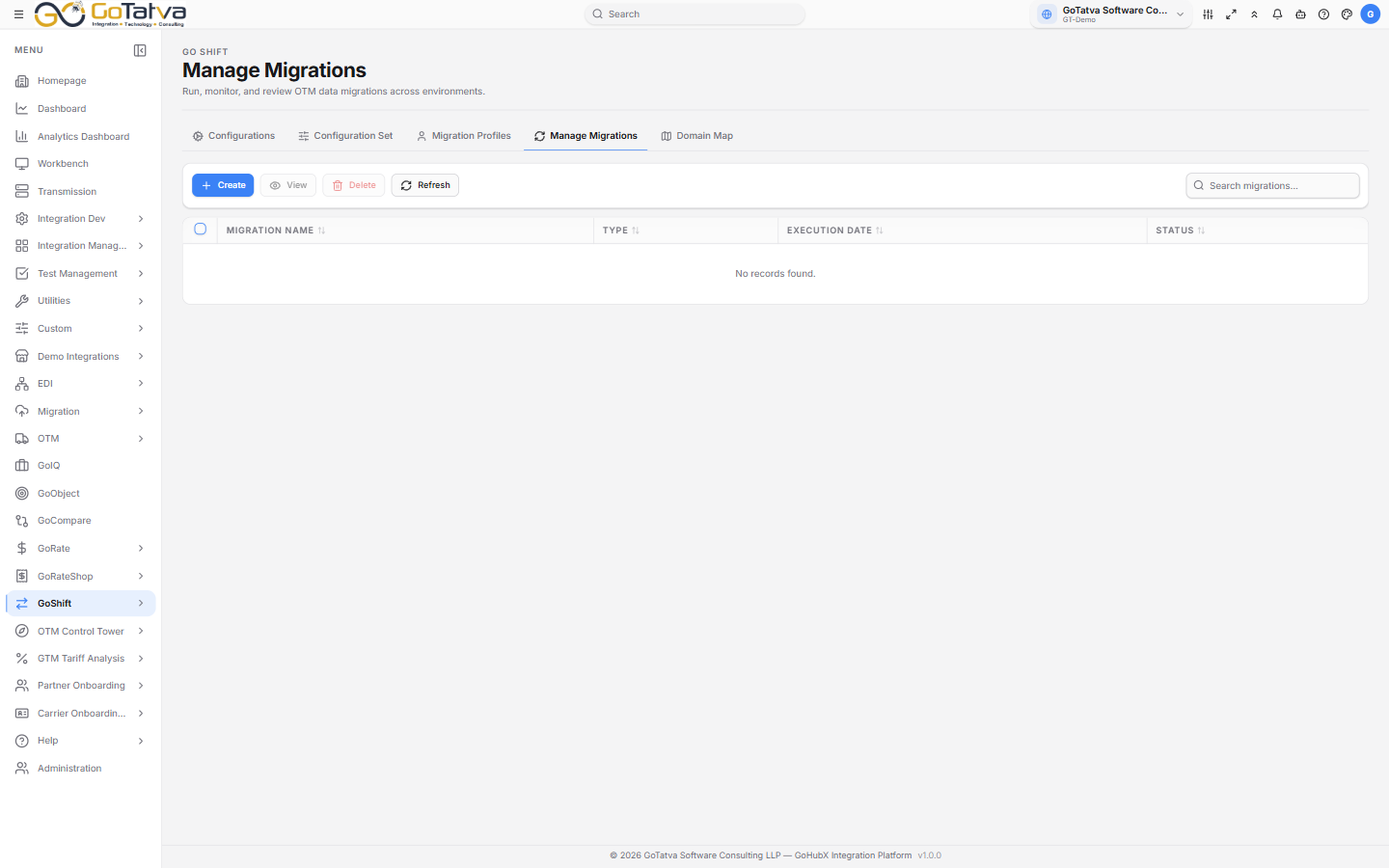
One row per run, with its type, date and status.
Creating a run
Create opens New Migration Request:
| Field | Notes |
|---|---|
| Migration Name | Required |
| Migration Type | FULL, DOWNLOAD or UPLOAD |
| Description | What this run is for |
| Source Connection | Required for FULL and DOWNLOAD |
| Target Connection | Required for FULL and UPLOAD |
| Start Date / End Date | Required |
| Profiles | Required. At least one |
Source and target come from the Oracle OTM adapters configured for the project - if those dropdowns are empty, the adapters are missing rather than the form being broken.
Then Run Migration.
The list
Migration Name, Type, Execution Date and Status - In Progress, Success, Completed or Failed.
Anything the list does not recognise is shown as it comes back from the engine,
in amber - PENDING or QUEUED, for example. The run dashboard spells the same
states in capitals, so the two screens can word the same run differently.
Watching a run
Select a run and View, or double-click it.
The dashboard shows the run's name, type and status, its source and target, which profiles it used and who started it. Four tiles count Tables, Completed, Pending and Failed.
Tables Progress lists every table with its row counts - downloaded, uploaded, succeeded, errored and skipped - and its elapsed time. The eye icon on a row opens Exception Summary for the errors on that table.
Auto-Refresh keeps it updating, with an interval you can set.
Overall progress and "estimated completion" are worked out from how long the run has been going, not from a count reported by the engine. Read the per-table counts in the grid for what has actually moved.
Download Log and View Log become available once a run has finished.
The close button asks whether to cancel, but it only closes the view - the migration carries on. There is no way to stop a run from this screen; contact your administrator if one needs stopping.