Notification Manager
Alerts from across the platform, and the follow-up work against them.
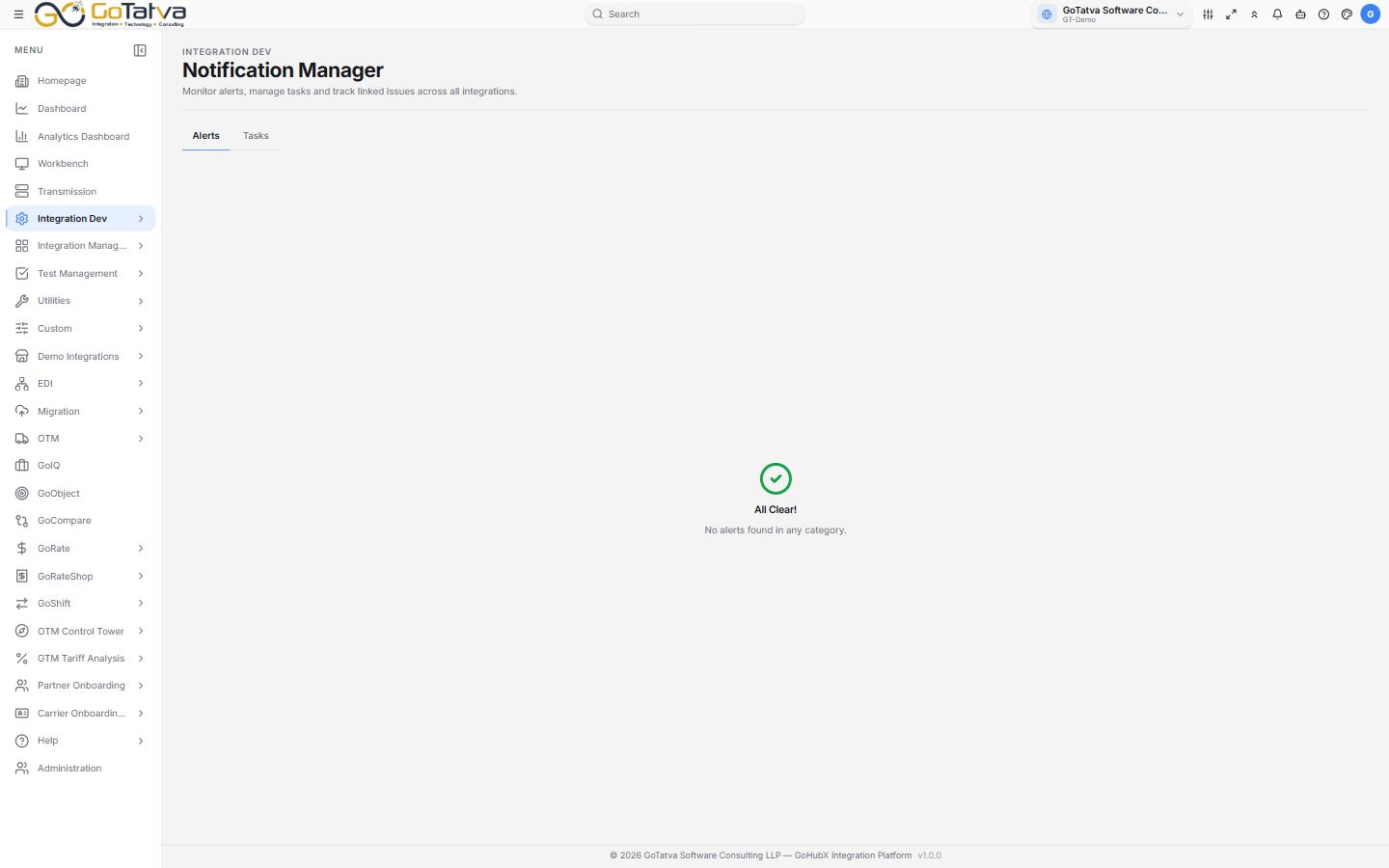
Alerts on one tab, Tasks on the other.
Alerts
Alerts come from integration development, partner onboarding, GoIQ and test management. The chips across the top group them by source, each with a count - so you can see where the noise is before opening anything.
The table shows ID, Severity, Title, Description and Timestamp. Severity is error, warning or info.
When there is nothing outstanding the screen says All Clear!
Filtering on ID, Severity or Title searches every alert. Filtering on Description or Timestamp narrows only the rows already on screen.
Tasks
Create raises a task against an alert or on its own:
- Task Title and a description.
- Task Type, and for an integration task the integration itself; for an onboarding task the partner and the onboarding type - Supplier, Carrier or Customer onboarding.
- A sub-type naming what the task concerns - a connection, a script, an editor, a workflow, a partner network, an adapter, a partner or a document.
- An Assignee, from the people in your domain.
The list shows ID, Task Title, Task Type, Assignee, Status and Created. Status runs Open, In Progress, Blocked, On Hold, Pending and Resolved.
From a task to the transaction
Expanding a task row shows the transaction behind it - the transaction id, the integration or partner, the workflow, and who it is assigned to.
Copy Transaction ID takes the id, and View in Transmission Tab opens that transaction in Transmissions in a new tab, which is usually the quickest route from "something failed" to "here is why".