Documents
Every document attached to any shipment, in one searchable grid. Use it when you know what you need but not which shipment it is on - the alternative is opening shipments one at a time.
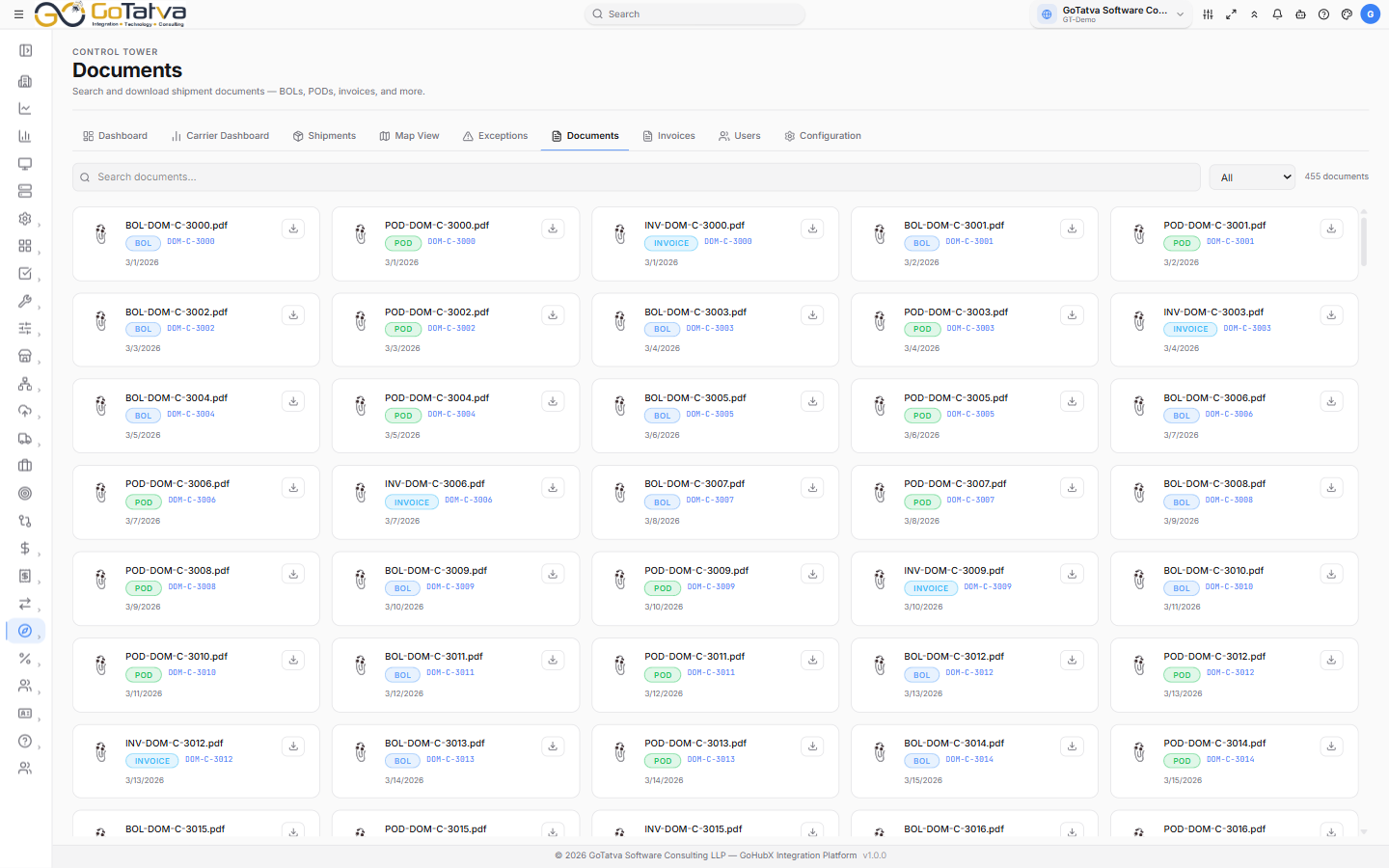
Documents across every shipment in the project.
Finding a document
- Search documents... matches on the file name or the shipment ID, so either will find it.
- The type dropdown narrows to BOL, POD, INVOICE, LABEL or CUSTOMS.
- The counter beside them reads N documents, and follows your filters.
| Type | Usually |
|---|---|
| BOL | Bill of lading |
| POD | Proof of delivery |
| INVOICE | Carrier invoice |
| LABEL | Shipping label |
| CUSTOMS | Customs paperwork |
What a card shows
The file name, its type, the shipment it belongs to, when it was uploaded and how large it is. The icon reflects the file format - PDF, spreadsheet, document or image.
A document with no name of its own reads Unnamed document.
Documents arrive with their shipments
There is no upload here. Documents come across during a sync, attached to the shipments they belong to - so a document appears only once its shipment has been synced.
If the grid is empty
- No documents yet. Sync from Configuration to load documents from OTM. - see Configuration.
- No documents match your filters. - clear the search box and set the type back to All.