EDI Explorer
A reference screen. Pick a standard, a version and a transaction, and see exactly which segments and elements it contains. Nothing here changes anything - it is for looking things up.
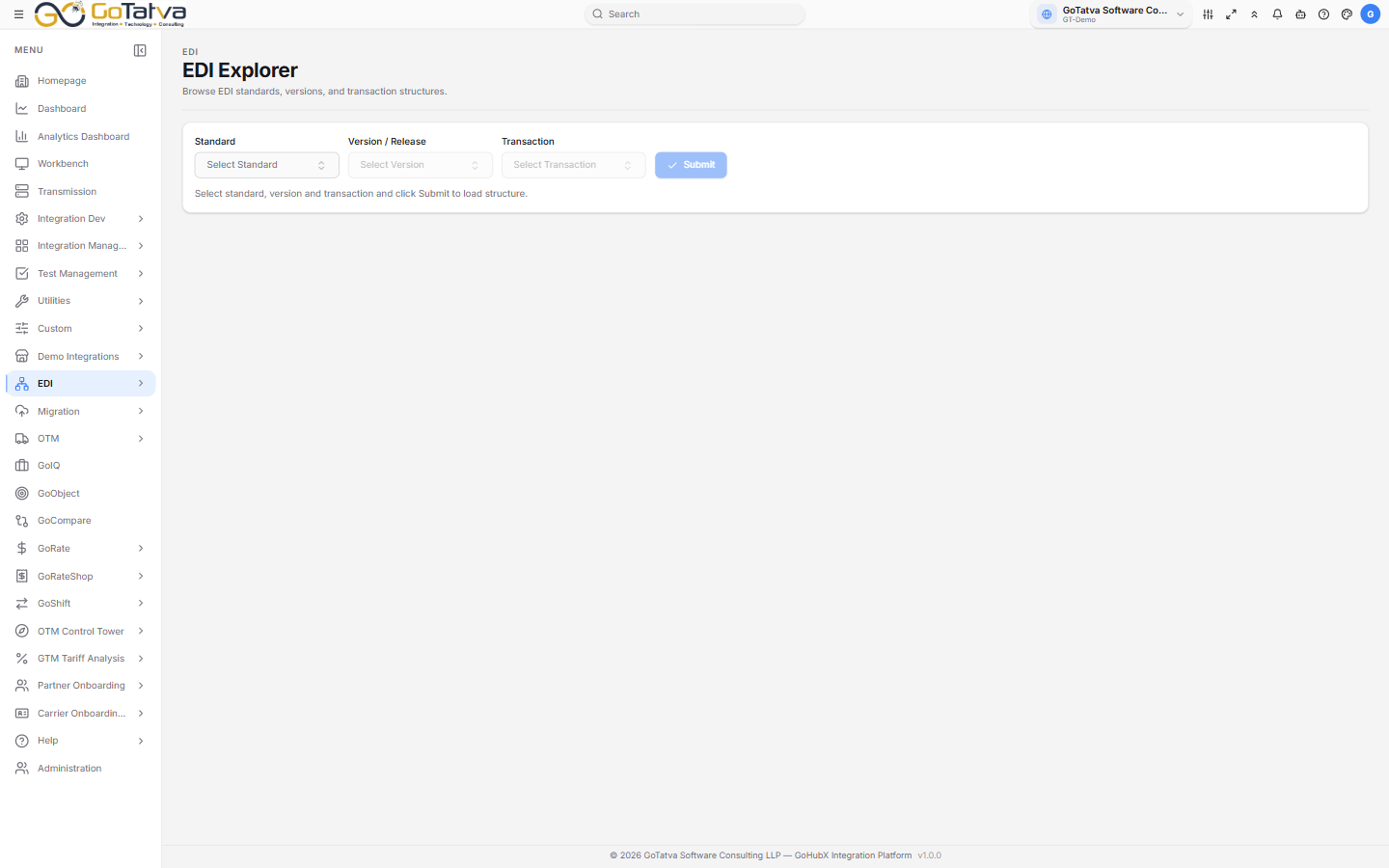
Choose the three values, then Submit.
Looking up a structure
- Standard - each dropdown has its own search box.
- Version / Release - enabled once a standard is chosen.
- Transaction - enabled once a version is chosen.
- Submit.
Reading the result
Segments on the left lists the structure in order:
| Column | Meaning |
|---|---|
| Seq | Position in the transaction |
| ID | The segment identifier |
| Description | What it carries |
| Max | How many times it may repeat |
| Loop | Yes when the segment can repeat |
Click a segment and Elements on the right shows what is inside it - Seq, Element, Description, Req (whether it is required), Type, and the minimum and maximum length.
Segments nest, so use the chevrons to expand and collapse.
If nothing appears
Before you submit, the panel reads "Select standard, version and transaction and click Submit to load structure." If the panels stay empty after submitting, that combination has no published structure - check the version, which is the usual culprit.