GTM Tariff Analysis
What your imports are costing in duty, where that exposure sits, and what a proposed tariff change would do to it.
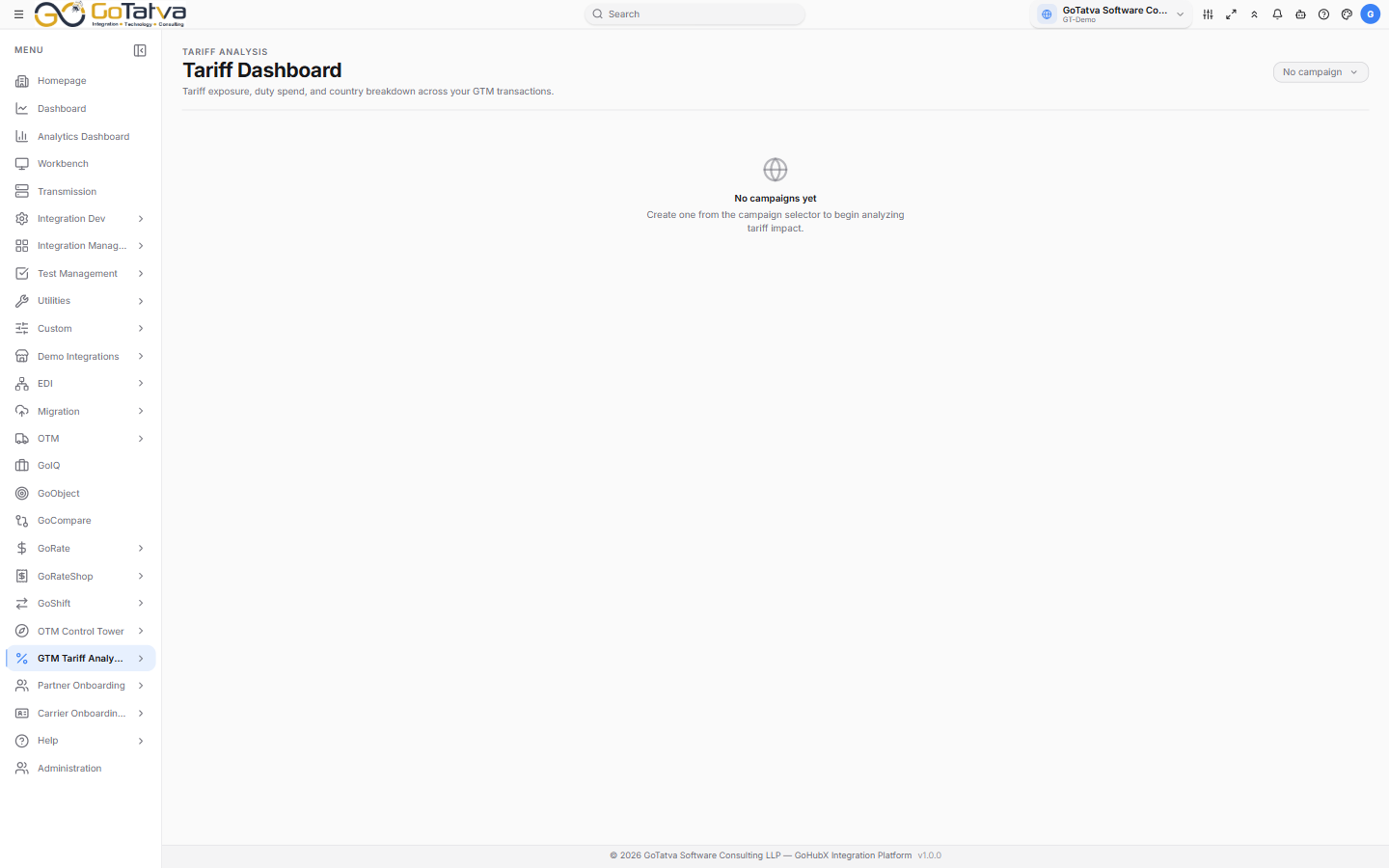
Every screen is scoped to the selected campaign.
Nothing has data until Configuration is saved and a refresh has run.
Campaigns come first
Everything here belongs to a campaign - a named body of transactions being analysed. The campaign selector sits at the top of every screen, and with none created the screens simply say so.
Create one from the selector, then use Edit, Duplicate or Delete on it from the same menu. A campaign is Active, Draft, Paused or Completed.
The screens
| Screen | What it answers |
|---|---|
| Dashboard | Where is our exposure, and what is it costing? |
| Transaction Analysis | Line by line, what drove that duty? |
| Simulator | What would a tariff change cost us? |
| Configuration | Where does the data come from, and how is duty calculated? |
Setting it up
Campaign  →  Configuration (integration, adapter, customs connection)
          →  Save  →  Refresh GTM data  →  the other three screens
Until Configuration is saved and a refresh has run, the other screens have nothing to show.