GoRateShop
Describe a shipment, send it to your carriers, and compare what comes back - price against transit time, side by side. Every run is kept, so you can show what was quoted and why a particular rate was chosen.
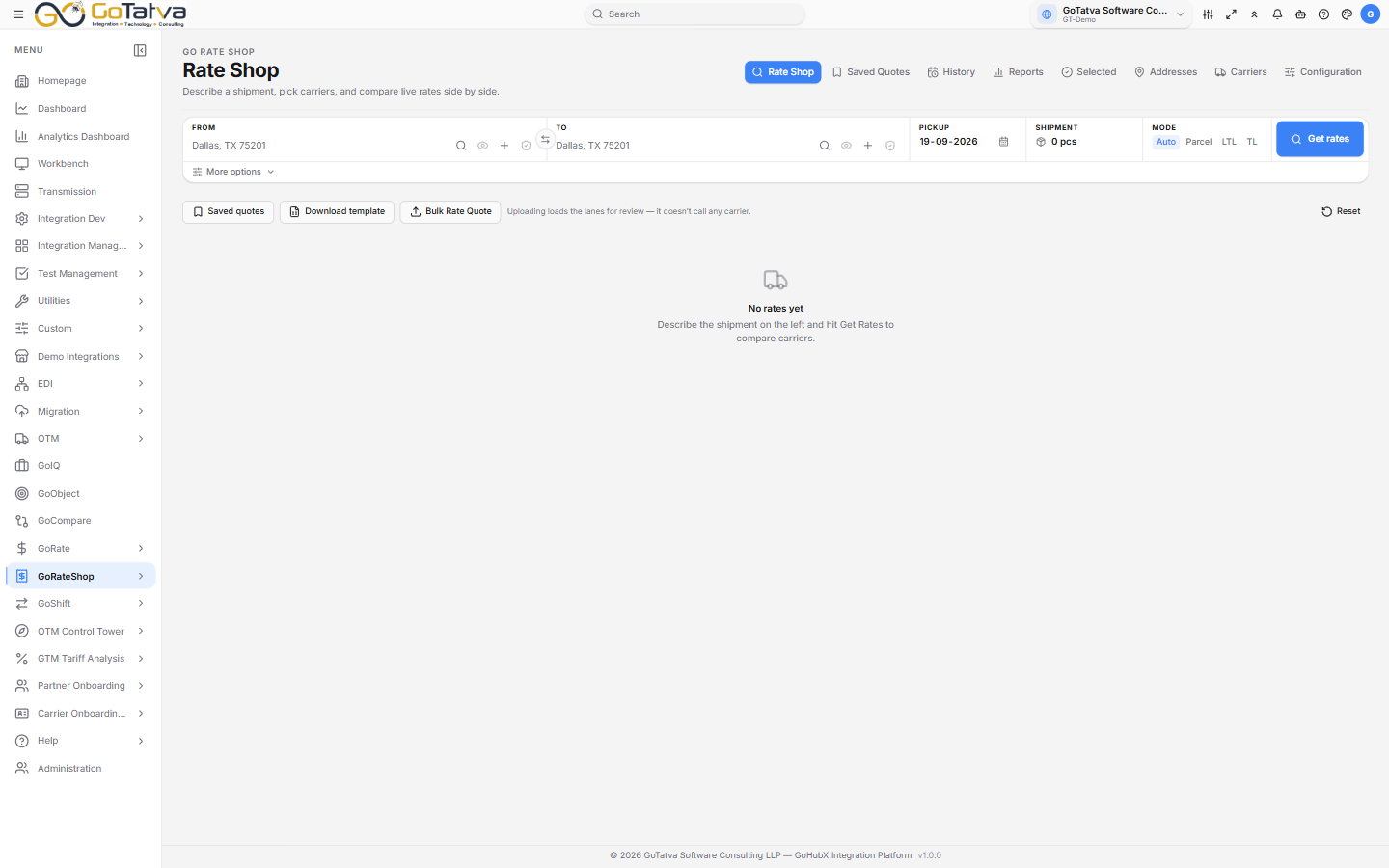
The Rate Shop screen - the shipment at the top, the quotes below.
Set up left to right. A carrier that is not mapped to an integration is never asked for a quote.
The screens
| Screen | What it is for |
|---|---|
| Rate Shop | Describe a shipment and get quotes |
| Saved Quotes | Quotes you kept, each one self-contained |
| History | Every run, with what each carrier said |
| Selected Rates | The rate chosen per run, and sending it to OTM |
| Reports | Cost, carrier performance and lanes over a period |
| Addresses | The saved address book, with bulk checking |
| Carriers | The shared carrier directory rate shopping draws on |
| Configuration | Which carriers this project uses, and its defaults |
Setting it up
The order matters, and a carrier that is not mapped is never asked for a quote:
Carriers → Settings (carrier → integration) → Configuration → Rate Shop
Settings is a platform-level screen and only a super administrator can change it. If no carriers respond, that mapping is almost always why - raise it with your administrator rather than looking at Configuration.
Rate shopping stands on its own. OTM matters only if you want to publish a chosen rate to it afterwards, from Selected Rates.