GoShift
GoShift moves OTM data between environments. You decide which tables and columns travel, map the domains they land in, then run and watch the migration.
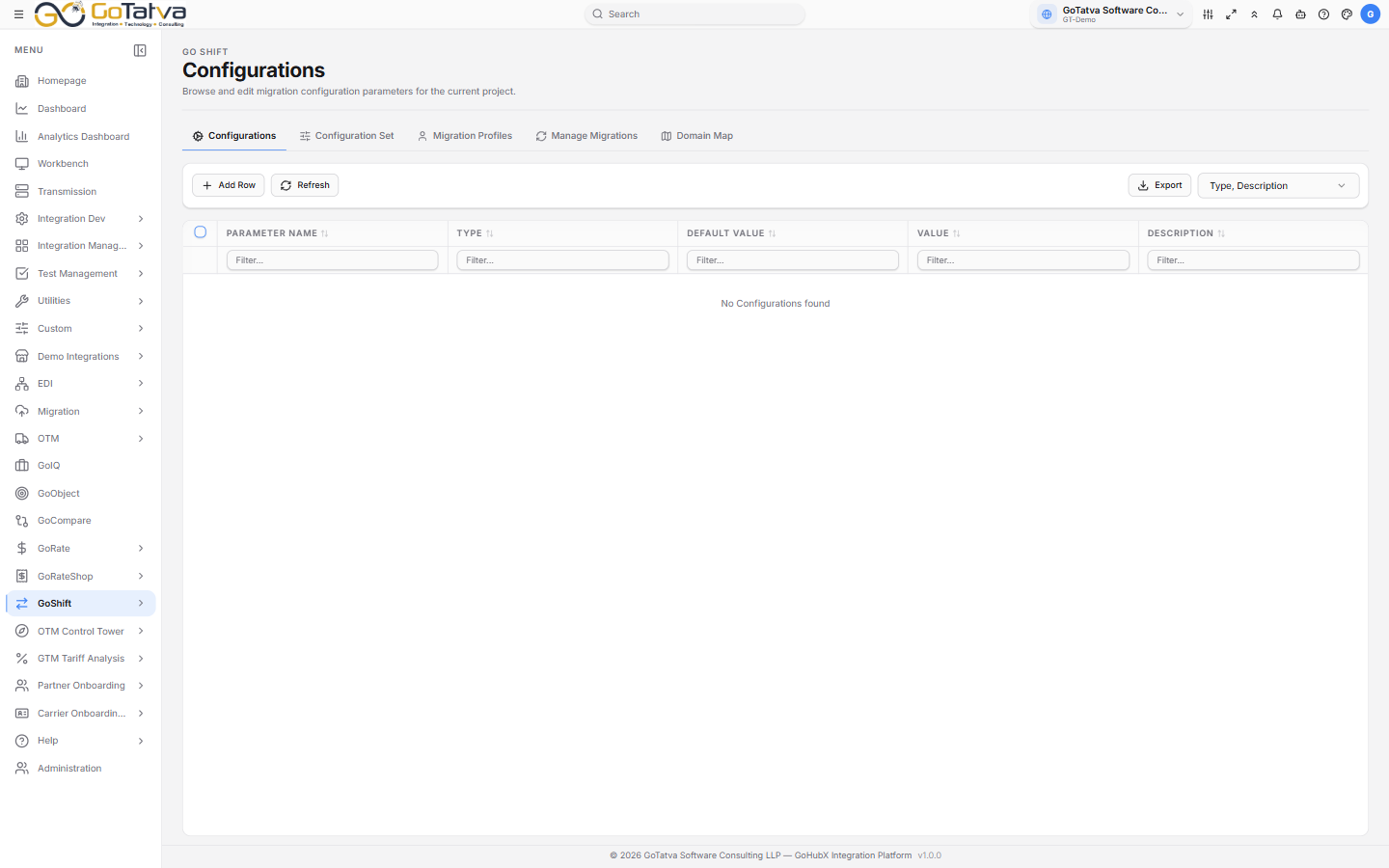
Every GoShift screen carries the same five tabs.
A profile is what moves; a migration is when and where.
The five screens
| Screen | What it is for |
|---|---|
| Configurations | The migration engine's parameters for this project |
| Configuration Set | Named bundles of those parameters |
| Migration Profiles | Which tables, columns and filters a migration moves |
| Manage Migrations | Create a run, then watch it |
| Domain Map | Which source domain becomes which target domain |
The order to work in
Configurations → Domain Map → Migration Profiles → Manage Migrations
- Check the engine Configurations for the project.
- Declare your Domain Map pairs, and whether each converts.
- Build a Migration Profile - the tables, the columns, the filters.
- Create a run on Manage Migrations, pick the profile and the source and target, and start it.
Before you start
- A project selected in the top bar. Every screen is scoped to it.
- At least one Oracle OTM adapter configured for the project - these become the source and target of a run, and are set up in Adapter.
- At least one Migration Profile, before a run can be created.
Always check the project selector first
If a screen is unexpectedly empty, or shows configuration sets you do not recognise, the project selection is the first thing to check. Several screens fall back to sample data rather than telling you nothing is loaded.