Documents
The same documents held on each carrier record, gathered into one list - for when you are chasing a certificate across twenty carriers rather than looking at one.
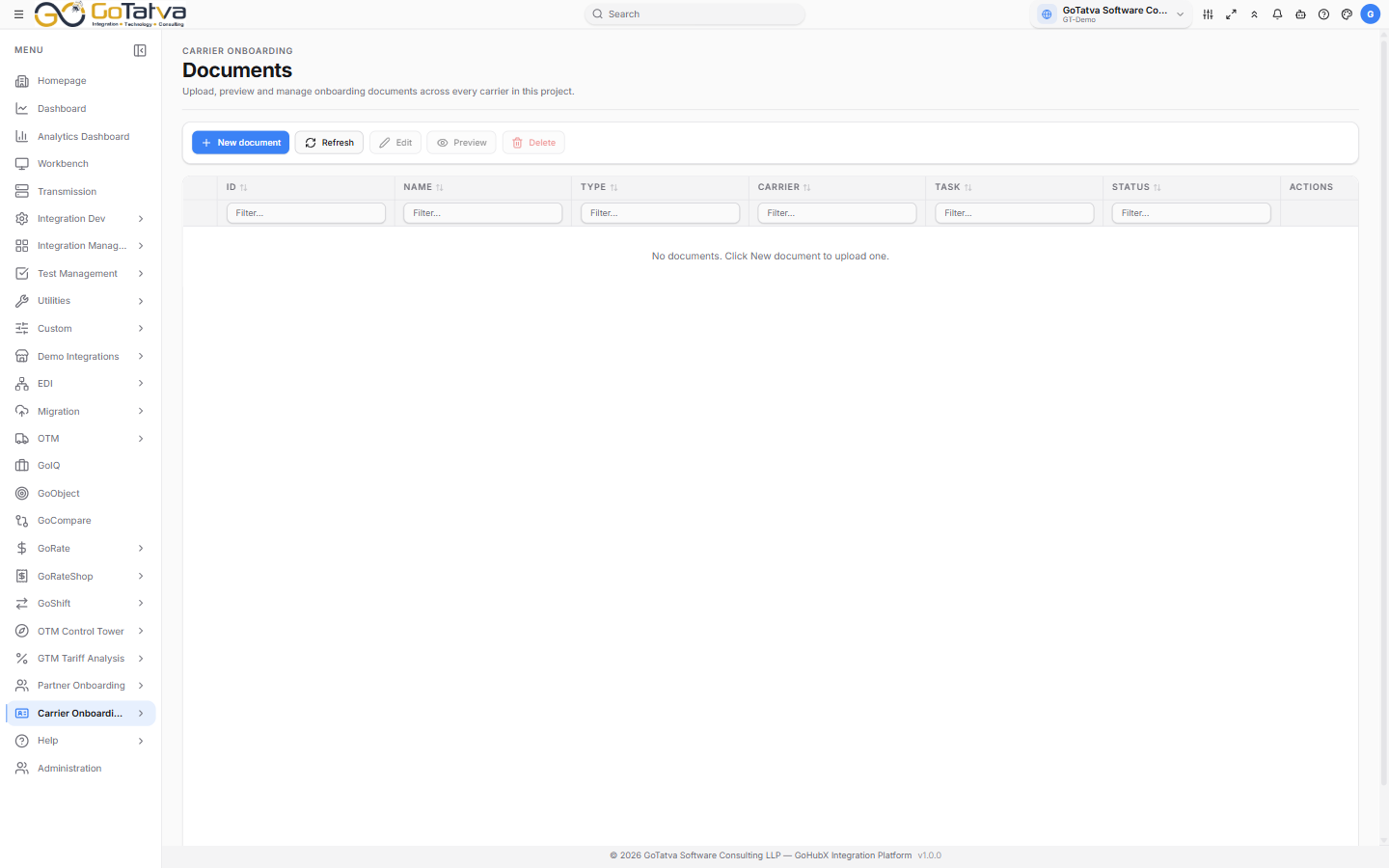
The list
ID, Name, Type, Carrier, Task, Status.
A document attached to the carrier rather than to a particular task is tagged carrier-level.
| Status | Meaning |
|---|---|
| Pending Review | Uploaded, not yet checked |
| Approved | Accepted |
| Rejected | Not accepted |
| Expired | Past its validity |
| Completed | Finished with |
Adding a document
New document asks for the Carrier, a Name, the Type - URL, PDF, Word, Excel, XML, JSON or TXT - a Status, and then either a URL or a File.
The carrier cannot be changed afterwards. To move a document, delete it and add it again under the right carrier.
Preview opens a document, Download takes a copy. Everyone can do both; uploading, editing and deleting are for administrators and project managers - others see view only in the actions column.
This list covers a limited number of carriers rather than the whole project. If a document you expect is missing, open its carrier record and look at the Documents tab there.