Workflow Builder
The steps of onboarding - what has to happen, in what order, by when.
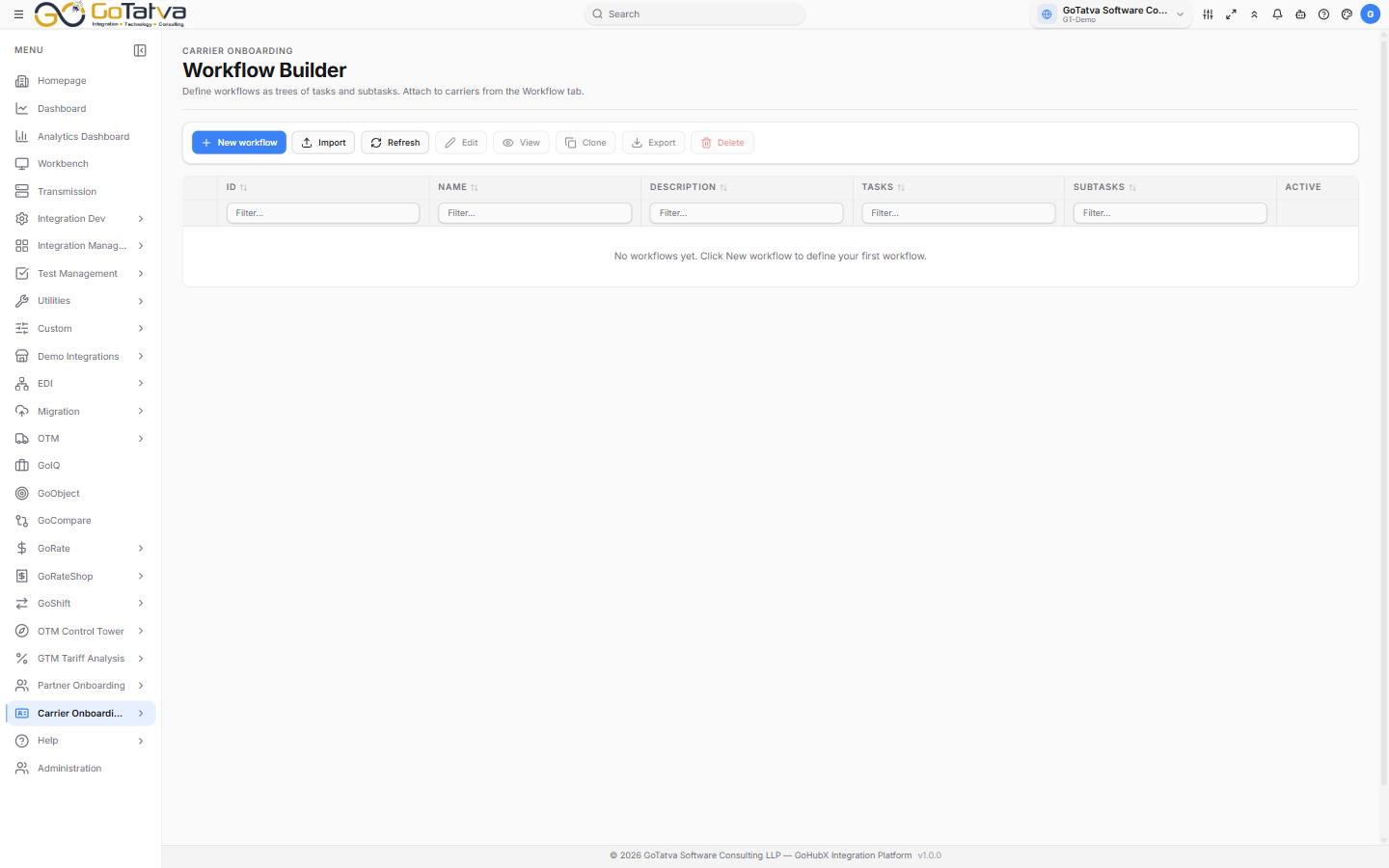
The list
ID, Name, Description, how many Tasks and Subtasks it has, and whether it is Active.
Building a workflow
New workflow opens the editor: a Workflow Name, whether it is Active, and a Description.
Add Task adds a step; Add Subtask breaks one down. Each takes:
| Field | Meaning |
|---|---|
| Start / End | When it should run |
| ETA (days) | How long it should take |
| SLA (h) | The hours you have committed to |
Drag tasks to reorder them.
Reusing a workflow
| Action | Notes |
|---|---|
| Clone | A copy to adapt, leaving the original alone |
| Export | As PDF to circulate, or Word to edit |
| Import | Brings a workflow back in as a draft - review it, then save |
Carriers keep the workflow they started with
Deleting a workflow does not disturb carriers already using it - each carrier holds its own snapshot from when it was attached. Changing a workflow does not reach back into carriers already on it either.
Attach a workflow to a carrier from the Workflow tab on the carrier record.