Analytics
The read-only side of Report. Everything saved there appears here, grouped by category, for people who need the numbers rather than the builder.
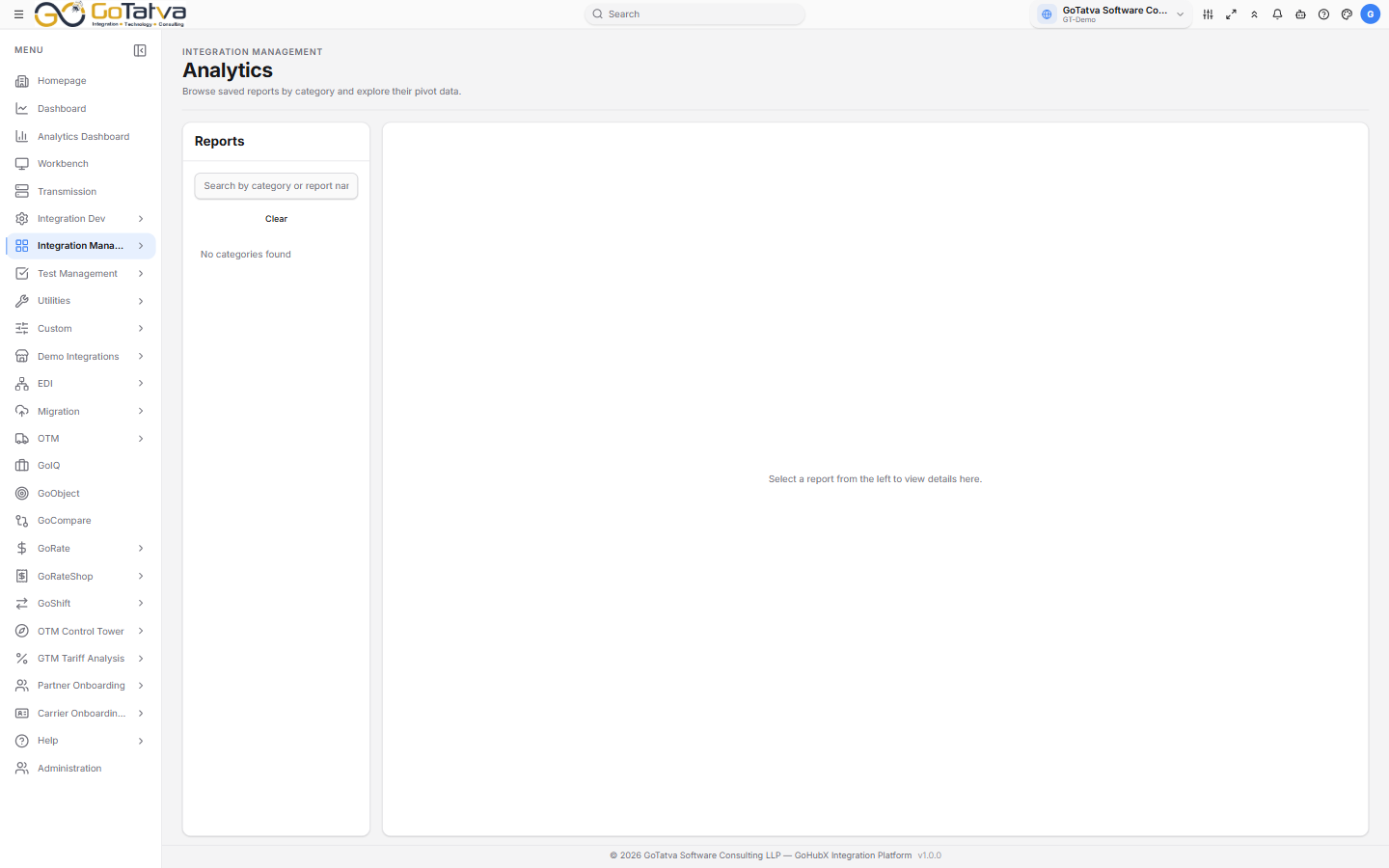
Categories on the left, the report on the right.
Finding a report
The left panel groups reports by category. Reports saved without one are gathered under Others, at the top.
Search by category or report name narrows the tree; Clear resets it.
Click a category to expand it, then a report to open it.
Working with a report
The pivot opens on the right exactly as it was saved. Nothing here changes it - to alter a report, open it in Report.
Download PNG takes an image of it; Download Excel takes the data.
The figures are from when the report was saved
A report stores a snapshot of its data. If a number looks out of date, that is why - re-save the report in Report to refresh it.