Invoices
What you were billed, against what the shipment was expected to cost. The screen exists to surface the difference.
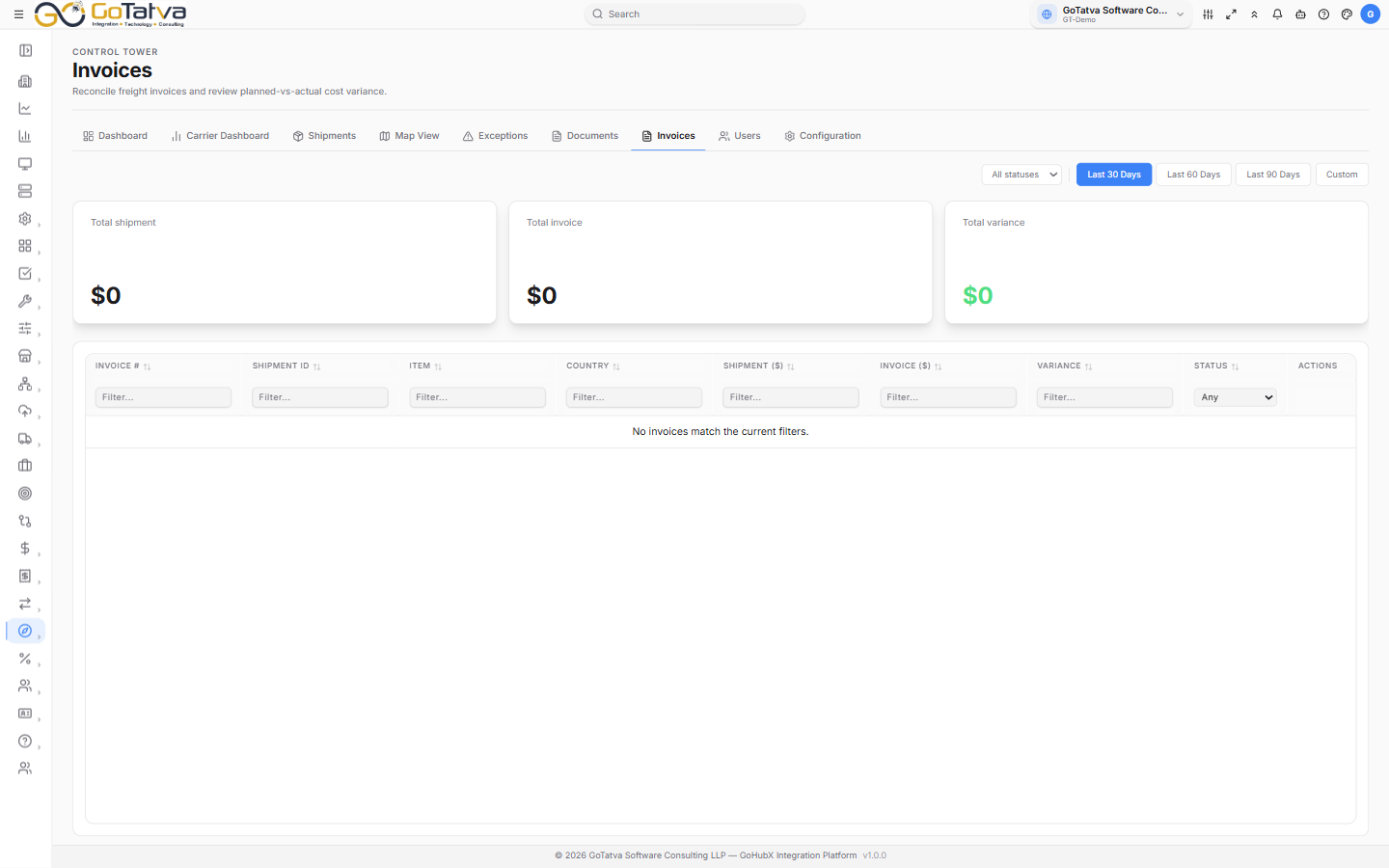
Invoices with planned cost, billed cost and the variance between them.
Filters
- Status - all statuses, or PENDING, APPROVED, DISPUTED, PAID.
- Time range - Last 30 Days, Last 60 Days, Last 90 Days, or Custom with two date pickers.
- Per-column filters under the headings, as on Shipments.
The totals
Three cards summarise whatever your filters currently select - not just the page you are looking at:
- Total shipment - planned cost across the selection.
- Total invoice - actual billed.
- Total variance - the difference. Green means you were billed under plan; a red figure with a + means over.
The columns
Invoice #, Shipment ID, Item, Country (export → import), Shipment ($) as planned, Invoice ($) as billed, Variance, Status and Actions.
Variance reads ✓ Match where the two agree, a green figure where the invoice came in under plan, and a red + figure where it came in over.
Looking at a variance
Click any non-zero variance for the Variance Summary: planned against actual as a bar, the three figures side by side, and a plain verdict - Over budget by N% or Under budget by N%. Over-budget invoices are flagged as likely to need review before approval.
Statuses
| Status | Meaning |
|---|---|
| PENDING | Waiting on your decision |
| APPROVED | Accepted for payment |
| DISPUTED | Queried with the carrier |
| PAID | Settled |
Once an invoice is no longer pending, the Actions column shows where it stands - ✓ Done, Under review, or Paid.
If the list is empty
- No invoice data yet. Sync from Configuration to load GTM tariff records. - see Configuration.
- No invoices match the current filters. - widen the status or the dates.