Script
Where the custom logic lives. Scripts are Groovy, and a workflow's Script node runs one.
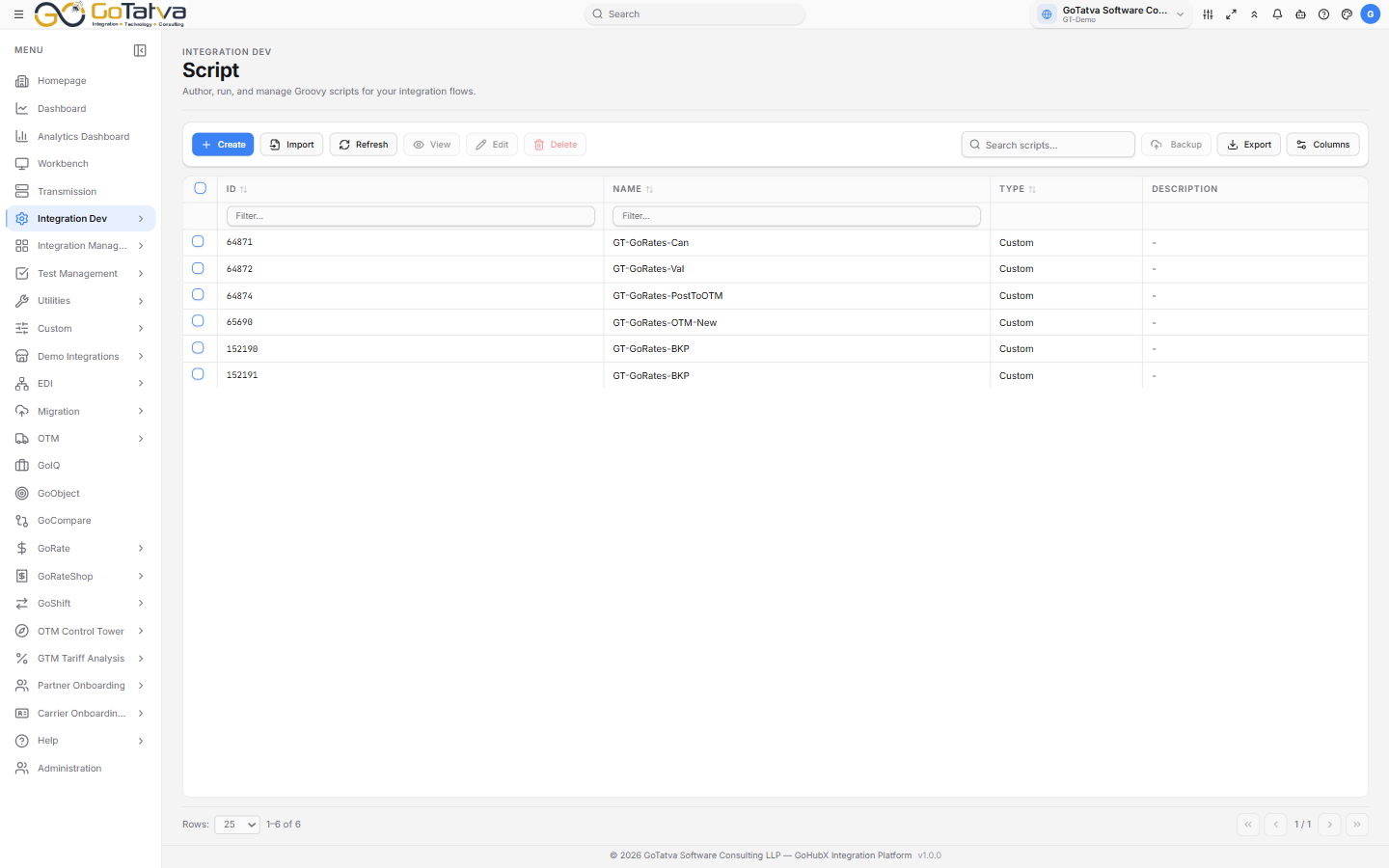
The script list. Custom scripts were written here; System scripts were imported.
The list
ID, Name, Type and Description, with created and updated columns available under Columns.
Type tells you where a script came from - Custom if it was written here, System if it was imported. Imported scripts open read-only.
Writing one
Create opens an editor tab. Write Groovy on the left; Input and Output panes sit below, and you can drag the split to resize them.
The input you type is available to your code as gtInput.
Run executes the script against that input and shows the result in Output. Nothing is saved by running.
Snippets
The snippets menu inserts working code rather than leaving you to remember an API. The groups are:
| Group | What it covers |
|---|---|
| Groovy Utils | Parsing and building XML and JSON |
| Converters | EDI to XML and back |
| Loggers | Success, warning and failure logging, with or without a payload |
| BID utils | Reading and setting business IDs |
| Global Variable | Reading the workflow's global variables |
| LookUp Utilities | Reading and writing lookup tables |
| GT Utils | Calling a map, another script, an adapter, or a partner network |
| Send Email | Sending mail, with or without attachments |
| GT Properties | Reading configured properties |
Script Variables
Declares the values the script expects. A workflow's Script node then maps each one to a global variable or a fixed value - so the same script serves several workflows.
Saving and importing
Save and Save As write into the User Object folder. Import takes
an existing .groovy or .gtScript file from Resources.