Code Editor
A scratchpad for code. Write Groovy or Python, run it against the current project, and save it into Resources when it works.
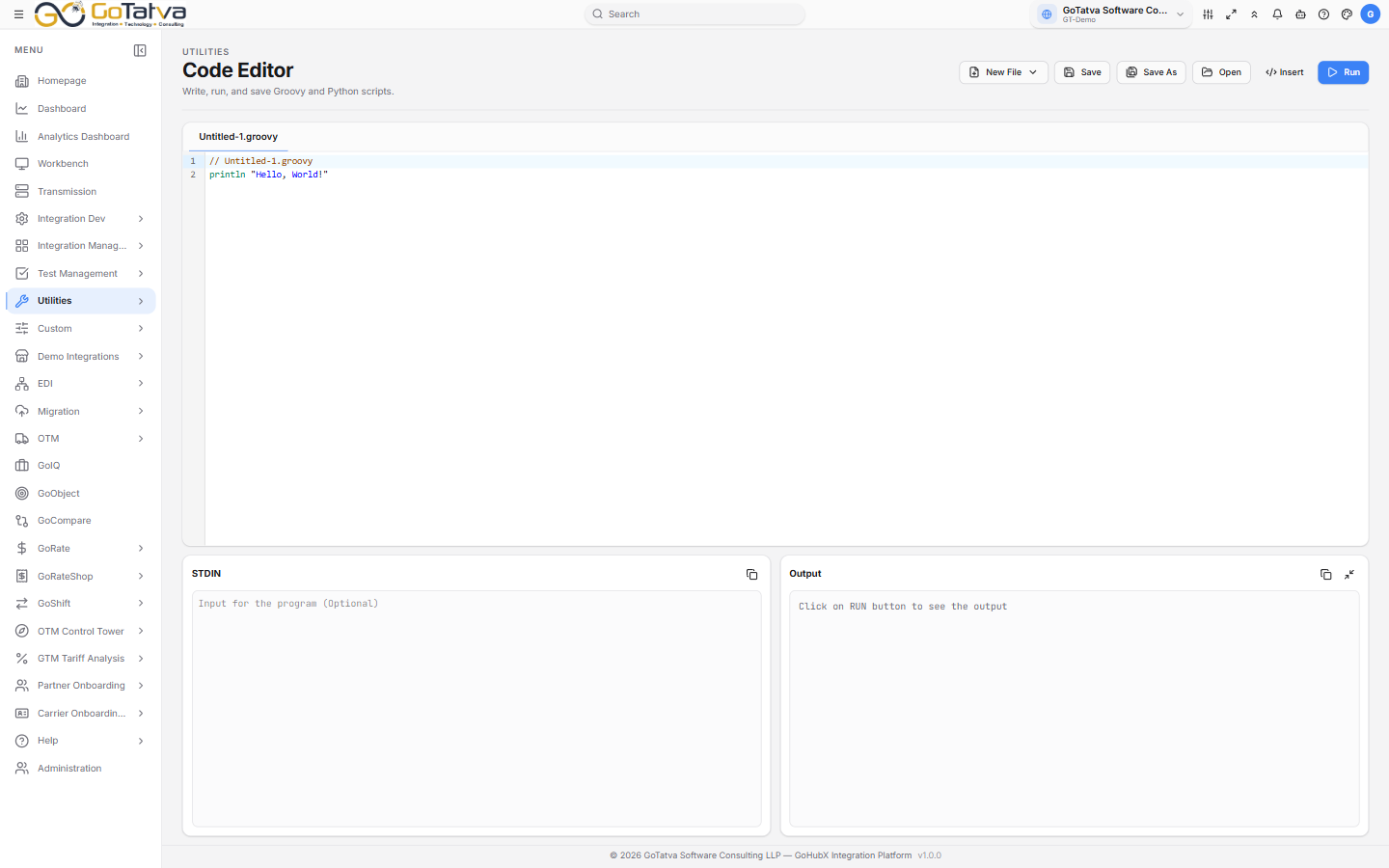
Code above, input and output below.
Writing and running
New File offers Groovy-3.0 or Python-3.10. Each file opens in its own tab, and a tab with unsaved changes is marked with a dot.
STDIN below the editor is what your code reads as input; Output is what it produced. Run executes it and fills the output panel - errors come back there with the interpreter's own message.
Both panels can be copied from, and the output panel minimises when you want the room.
Snippets
Insert drops in working code rather than leaving you to remember an API:
| Group | Covers |
|---|---|
| Groovy Utils | Parsing and building XML and JSON |
| Converters | Format conversions |
| Loggers | Logging with and without a payload |
| BID utils | Reading and setting business IDs |
| Global Variable | Reading workflow variables |
| LookUp Utilities | Reading and writing lookup tables |
| GT Utils | Calling maps, scripts, adapters and partner networks |
| Send Email | Sending mail |
| GT Properties | Reading configured properties |
Saving and opening
Save and Save As write into the project's User Object folder in
Resources. Open picks a file back
up - only .groovy and .py files are listed.
Code saved here lands in Resources like any other file. Scripts that workflows run are managed in Script, which adds variables and the run history.